Tip for copying information in Umbraco
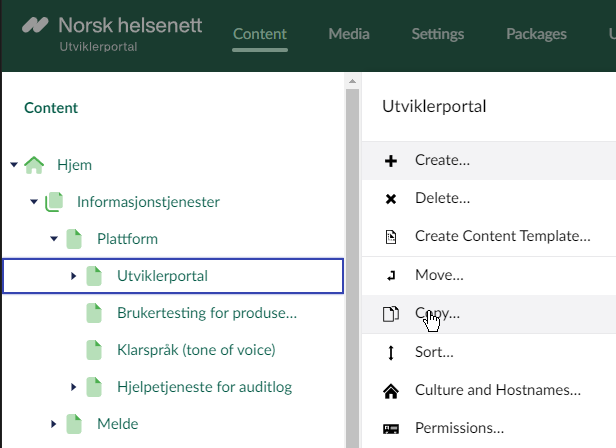
Umbraco has a build in clipboard which is nice to use. You can choose any element in the content structure, right click and choose "Copy"
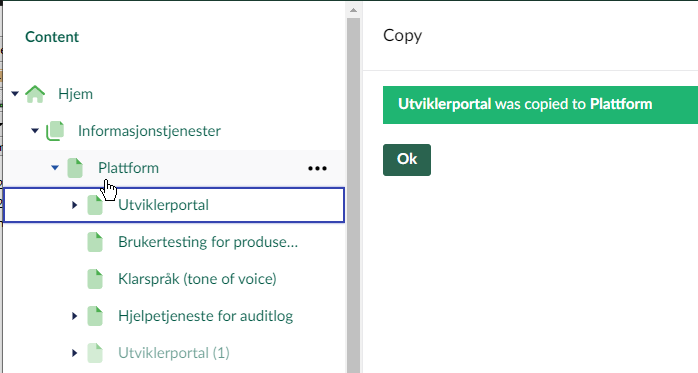
Then you can see that the "Utviklerportal (1)" has been created (with all subsequent pages), but not published. Go into the newly created content and modyfy the name and any other piece of information that need to be amended. The item on the Umbraco clipboard will be available in your session, so it can be pasted from some other locations as well.