Using Milliways
Milliways has some nice, built in features that can support the process of building the markdown files.
Doing quick changes of markupfiles in Milliways and commit
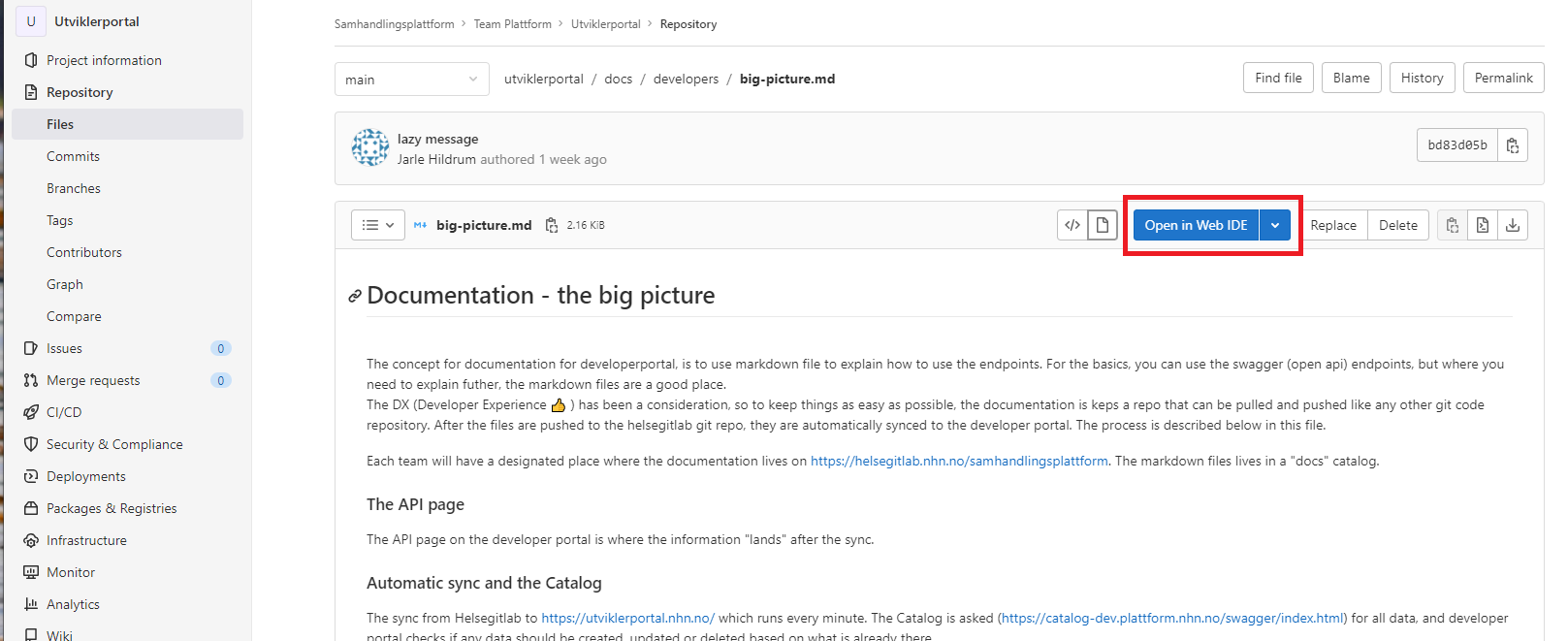
Milliways has built in capability for doing git work. This meaning, if you spot a typo or something you quickly will fix in your documentation files. When browsing the files, there is an option of "Open in Web IDE". The shortcut for open the file directly, is simply pressing "." when the desired files is having focus.
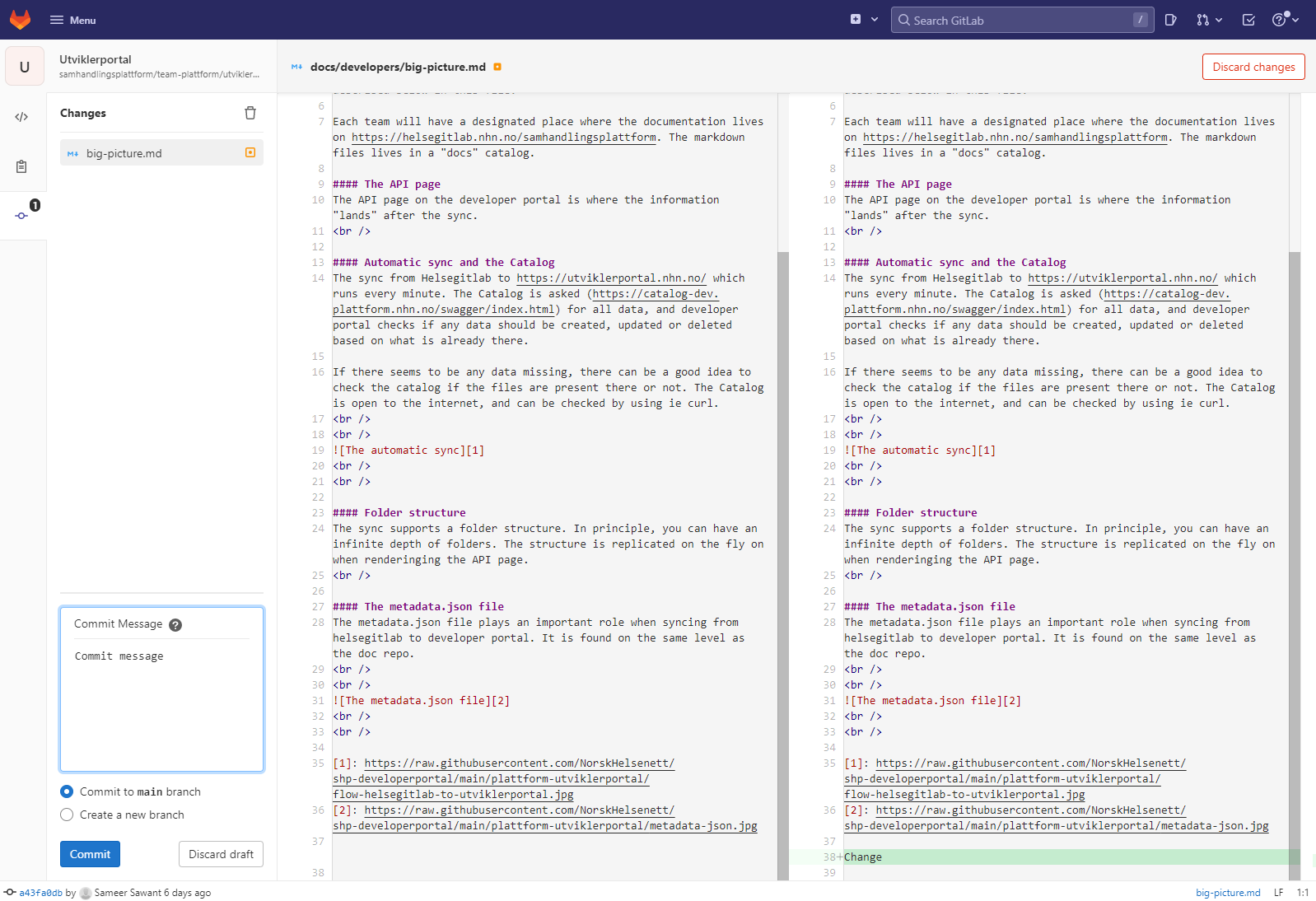
Then files can be committed directly to the main branch and will soon be synced in to Developer portal.
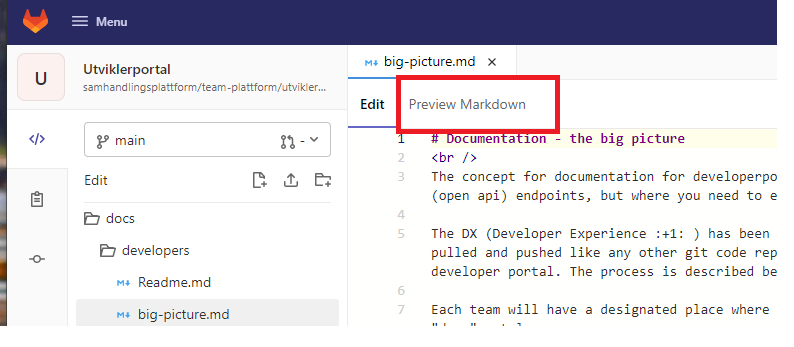
Nice feature with preview of markdown
Milliways has also a nice feature where the markdown can be rendered before you do a commit. This is very useful for testing for syntax errors an the like.